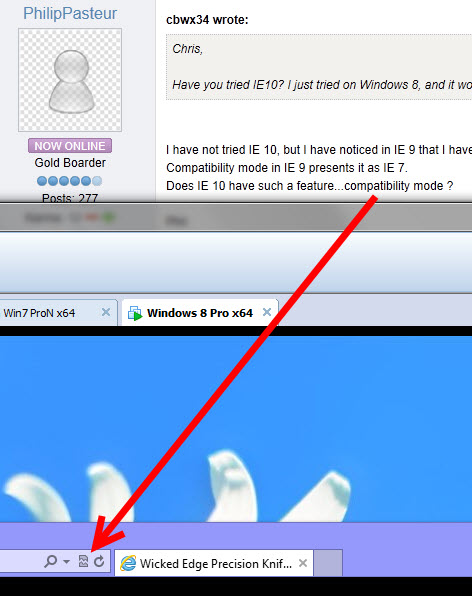
Compatibility Mode doesn’t seem avail. in the tablet version (or whatever it’s called) of IE 10. Switching it in desktop mode, doesn’t seem to affect the tablet version.
Good gawd… I’ve got too many browsers open now… :blink:
[quote quote=“Billabong” post=6524][quote quote=“PhilipPasteur” post=6519]Does IE 10 have such a feature…compatibility mode ?
Phil[/quote]
Sure does Phil, and that is a temporary solution.
Well done!
[/quote]
When I set compatibility mode for a website, it remembers it. At least that means you do not have to remember to make the change each time. Of course, when I change machines… and forget to click the icon, it tends piss me off. Totally my fault though
[quote quote=“cbwx34” post=6525]Now… if I could just post photos from my ipad… :whistle:
(and iphone, and android phone, and…)
But seriously, iPad would be nice. :)[/quote]
Easy to do cbw!
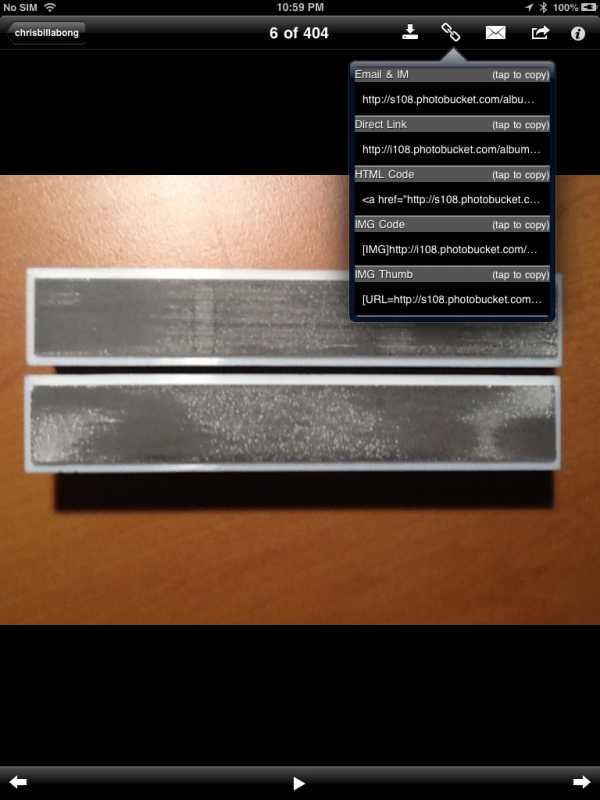
I upload my photos to Photobucket (free account), then use their (Photobucket) iPad app to grab a link I can then paste in the forums.
Of course a pic included!
It’s an iPad screengrab, only out of focus because of the link options.
[quote quote=“cbwx34” post=6528]Compatibility Mode doesn’t seem avail. in the tablet version (or whatever it’s called) of IE 10. Switching it in desktop mode, doesn’t seem to affect the tablet version.
Good gawd… I’ve got too many browsers open now… :blink:[/quote]
Do you have a “Surface” or are you running a simulation somwhow?
[quote quote=“cbwx34” post=6543]Haha. That’s not mine, just one I stole off the net… Guy claimed this is what he came home to… the debris is his just delivered iPhone 5.
[quote quote=“cbwx34” post=6540]I think we scared everyone off.
Haha. How’ bout that?[/quote]
Great picture…best use ever for an iPhone 5… making ones dog happy!
I dropped out when you started talking iCrap…
Don’t have any. Besides, I can hardly type on a full size keyboard, let alone a tablet.
I gave away an iPad 2 after having it for several months and finding that I never used it…
Way to expensive for the digital photo frame, which was the only thing I found it good for.
Sorry, I couldn’t resist…:evil:
Haha… That’s ok. I’m really not an Apple fan, as much as I am a fan of portable devices, which is why I was trying an android phone too. I hardly ever use a computer, and having to go to one just to post a picture i took on a phone was aggravating.
There’s another aspect to uploading photos that got glossed over… file size. If I try and post a photo over 1MB in size, it just posts a broken URL (and usually throws me to a text only version of the forum). I don’t know what the limit actually is… when I resize to post them, they’re usually under 100KB. (I also don’t know if this occurs in IE, since it seems to link to the attachment differently.)
So, my questions are, does anyone else notice this, does it occur in IE, and can the webmaster tell us the limit?